
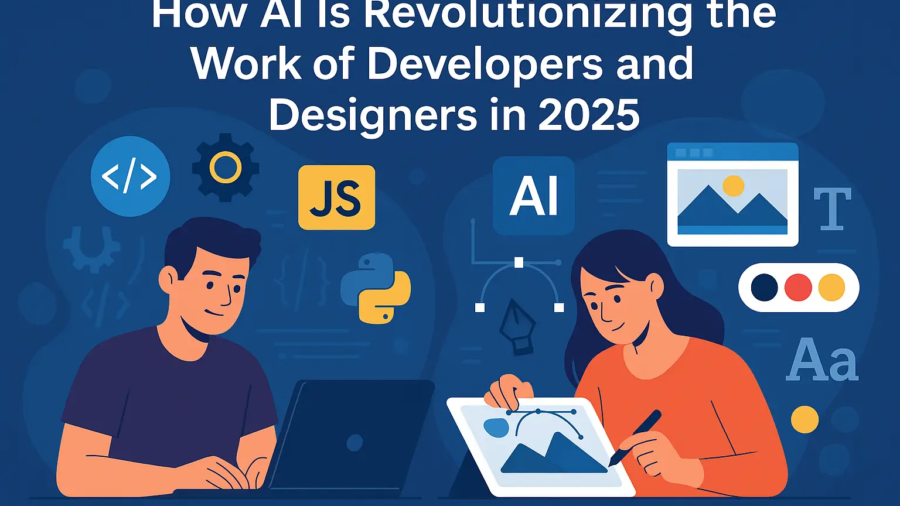
In today’s fast-paced digital world, Artificial Intelligence (AI) is no longer a futuristic concept—it’s a daily productivity booster for developers and designers alike. From writing cleaner code to generating unique visual designs, AI is transforming how digital professionals work and innovate. Let’s dive into how AI is making a significant impact in both fields.
👨💻 How AI Helps Developers
1. Smart Code Completion and Suggestions
AI-powered tools like GitHub Copilot, Tabnine, and Kite help developers write code faster with real-time suggestions. These tools learn from vast codebases and developer patterns, enabling them to autocomplete lines of code and even suggest functions based on context.
🧠 Example: Start typing a function, and Copilot might complete it along with documentation and error handling.
2. Faster Debugging and Bug Fixing
AI can analyze your code for logical or syntactic errors, flagging issues before they break your app. Tools like DeepCode and Snyk scan code for security vulnerabilities, deprecated methods, or performance bottlenecks—saving hours of debugging time.
3. Automated Testing
Developers no longer need to manually write every test case. AI generates unit tests, integration tests, and even end-to-end test scenarios, ensuring better coverage and reducing testing timelines.
🔄 Bonus: Some tools simulate real-user interactions to find hidden issues early in the dev cycle.
4. Code Documentation
Struggling with writing documentation? AI-based platforms can auto-generate docstrings, API docs, and comments, making your code more readable for teams and future maintenance.
5. Code Translation & Optimization
AI can convert code from one language to another (e.g., Python to JavaScript), and even optimize existing code for better performance. This is a game-changer for legacy software updates or multi-platform app development.
🎨 How AI Helps Designers
1. Instant Design Generation
With platforms like Canva AI, Figma AI Plugins, and Adobe Firefly, designers can instantly generate mockups, banners, thumbnails, and complete layouts. These tools take your input (text or mood board) and transform them into professional-grade designs in seconds.
2. Image Editing & Enhancement
AI tools like Remove.bg, Let’s Enhance, and Adobe Sensei can:
Automatically remove backgrounds
Upscale low-res images
Adjust colors and lighting
Restore old or damaged photos
🎯 This speeds up design processes that once took hours.
3. Logo & Branding Support
AI platforms now offer logo creation, font pairing suggestions, and color palette generators that match your brand identity. Perfect for startups or freelancers needing quick branding solutions.
4. UI/UX Personalization
AI tracks user behavior to offer data-driven insights for user experience improvements. It helps create interfaces that adapt to user needs, ensuring better engagement and usability.
5. Creative Idea Generation
Stuck in a creative block? AI can generate multiple design options based on your prompt—whether you’re designing a poster, a website, or a product package. You can then refine these ideas to match your vision.
💡 Real Benefits for Developers & Designers
| Feature | Benefit |
|---|---|
| Automation | Reduces time on repetitive tasks |
| Speed & Efficiency | Shortens production & delivery cycles |
| Innovation | Unlocks new creative possibilities |
| Cost-Effectiveness | Achieve more with smaller teams |
| Consistency | Maintains design/code standards easily |
🧠 Final Thoughts
AI isn’t here to replace developers and designers—it’s here to empower them. By automating repetitive tasks and offering smart suggestions, AI frees up time for what truly matters: creativity, strategy, and innovation.
Whether you’re a solo freelancer or a growing digital agency, embracing AI tools can elevate your work, boost productivity, and help you stay ahead of the competition.
📌 Looking to implement AI tools in your digital projects?
Contact N.ishu Digital Solutions – your partner in smart, scalable, and future-ready digital services.
🌐 www.nishudigitalsolutions.in